- Go to : Adminstrative Tools > Task scheduler
- Create a new task
- Specify the trigger in the second tab
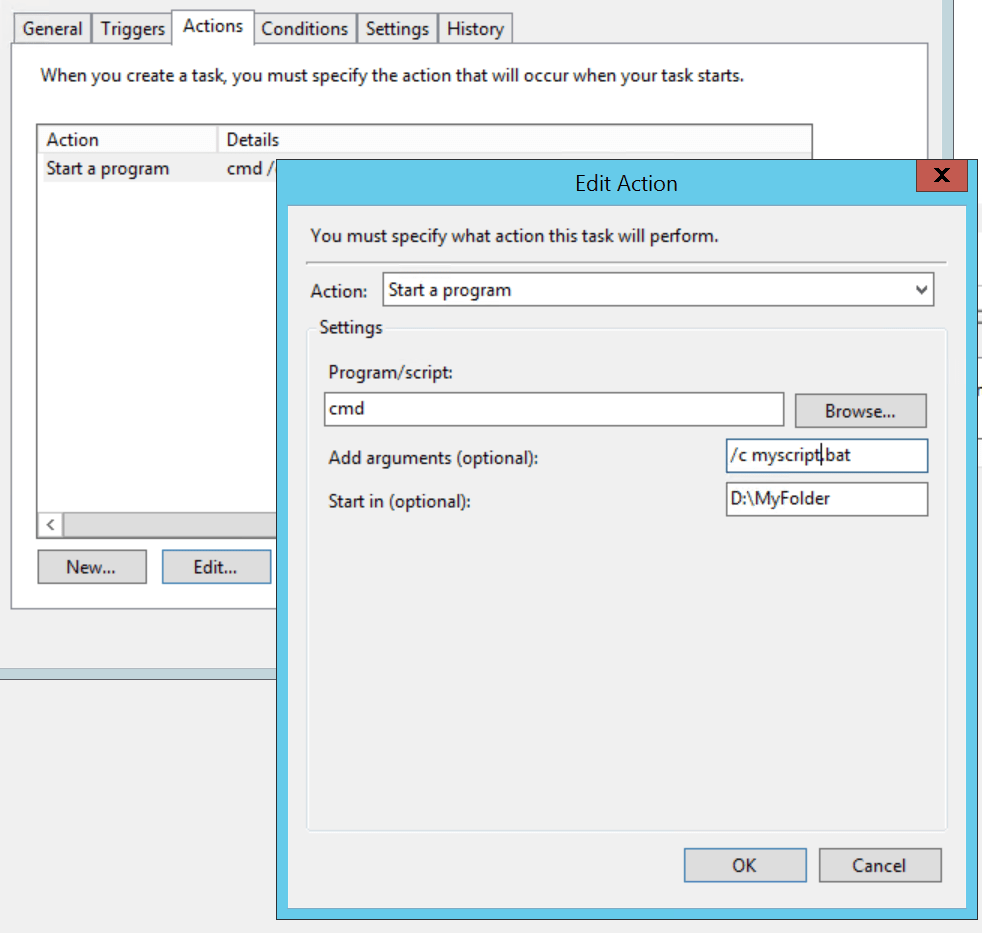
- Specify the action in the third tab, like this :
Action : start a program
Settings :
– program/script : cmd
– add argument : /c myscript.bat
– start in : d:\myfolder
Remarks :
– /c is an argument of the cmd command, meaning : “Carries out the command specified by string and then terminates”
– d:\myfolder = the drive and folder containing the myscript.bat

 My technology knowledge sharing